Driver Guide — RideApack
Everything you need to know about becoming a RideApack driver, completing deliveries, managing your wallet, and providing a great delivery experience with our own schedule.
Becoming a RideApack Driver
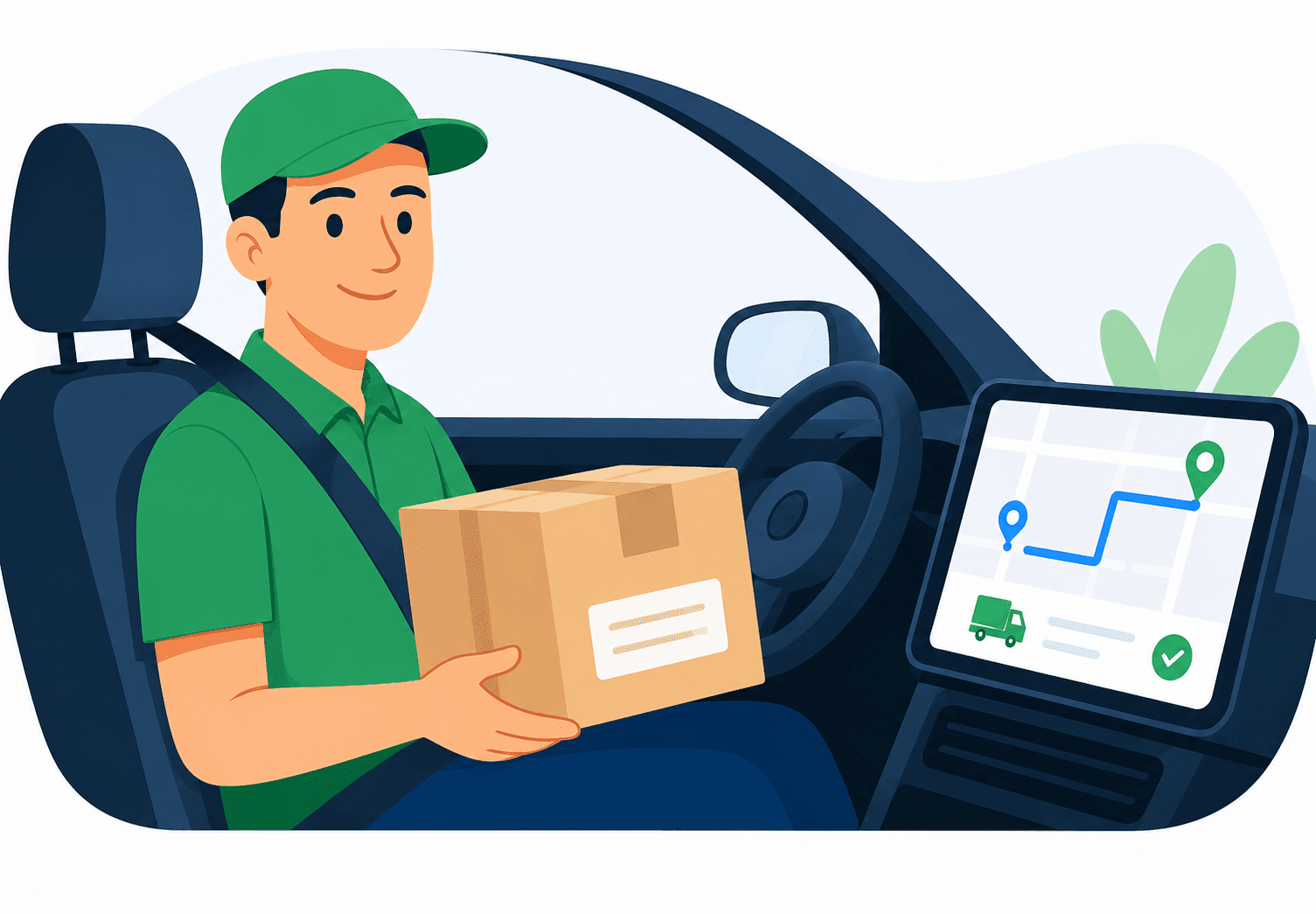
Join RideApack and start earning on your own schedule.
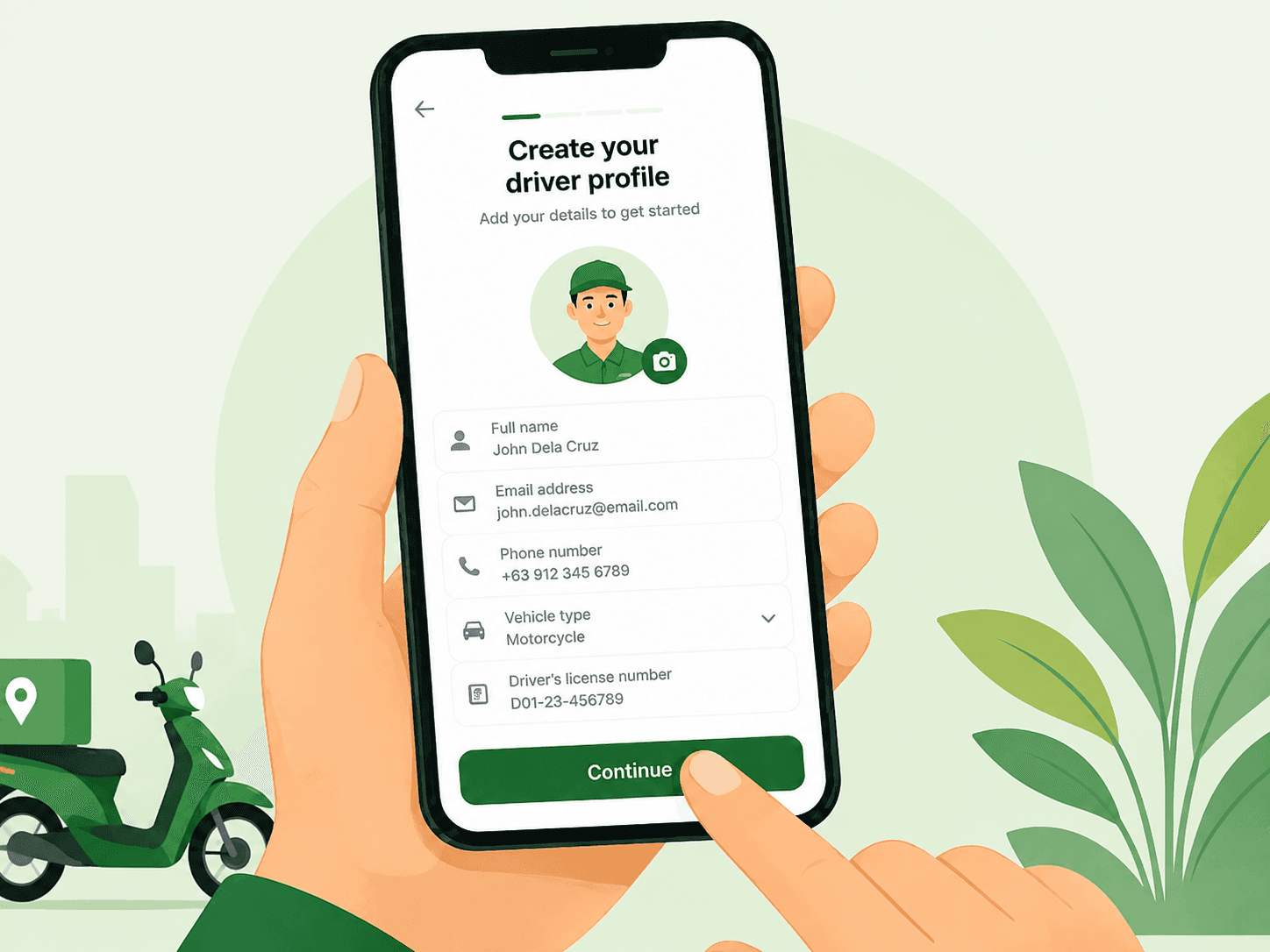
Joining RideApack is simple. Drivers can register through the RideApack app and begin accepting deliveries after completing the verification process.
RideApack gives you the flexibility to earn by delivering packages on your own schedule while connecting customers with fast and reliable delivery services.
Eligibility Requirements
Required Documents
Document requirements may vary by region.
Government-Issued ID
A valid national ID, passport, or equivalent.
Driver’s License
Must be valid and current in your region.
Vehicle Registration
Proof that the vehicle is registered in your name or approved.
Vehicle Insurance
Valid vehicle insurance covering the period of operation.
Profile Photo
A clear, recent photo of your face.
Specific document requirements depend on your country or region. Check the app for requirements applicable to your location.
Account Verification
Every driver completes verification before accepting deliveries.
Submit Documents
Upload all required documents through the RideApack app.
Identity Verification
Our team reviews your identity and submitted documents.
Vehicle Verification
Vehicle documents are reviewed where applicable.
Approval Notification
You'll receive a notification once your account is approved.
Start Accepting
Your account is active. Recharge your wallet and go online.
Verification times may vary depending on document quality and regional requirements. Typically completed within 24–48 hours.
Setting Up Your Profile
A complete profile builds customer confidence.
Upload Profile Photo
A clear, recent photo helps customers identify you.
Add Vehicle Details
Enter your vehicle details and keep registration information updated.
Update Contact Info
Keep your phone number and email current.
Enable Location
GPS must be active to receive nearby delivery requests.
Review Guidelines
Read community guidelines before going online.

Going Online
Once your account is approved, you're ready to start accepting deliveries.
Accepting Deliveries
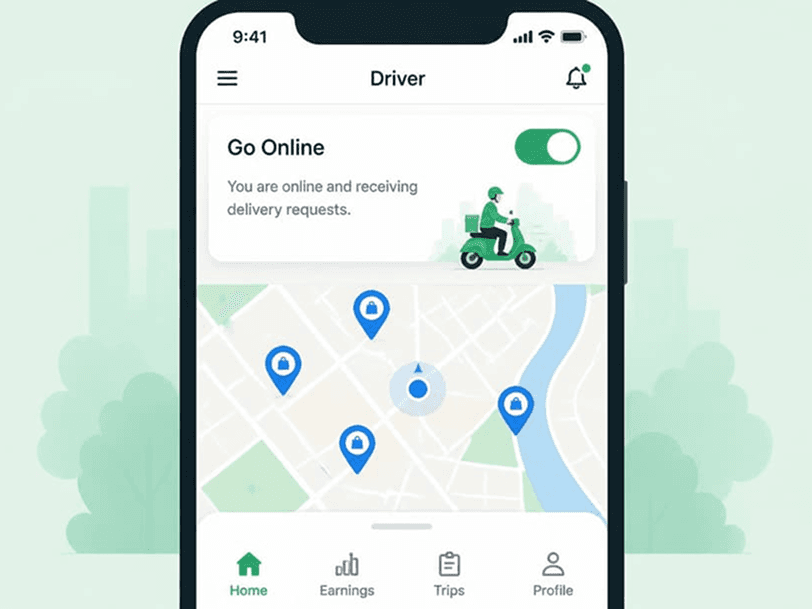
When you're online, nearby delivery requests appear on your screen. Each request includes:
You can always review the full delivery details before deciding whether to accept a request.
Completing a Delivery
An 8-step workflow from acceptance to rating.
Accept the request
Review delivery details and tap Accept.
Navigate to pickup
Head to the agreed pickup location.
Collect the package
Meet the sender and collect the package securely.
Confirm pickup in app
Tap Confirm pickup so the customer is notified.
Travel to destination
Navigate to the delivery address.
Deliver the package
Hand the package to the recipient.
Confirm delivery
Complete the delivery confirmation in the app.
Receive customer rating
The customer can rate your delivery.
Driver Wallet
The RideApack Wallet is used to pay platform service charges. Drivers must maintain a sufficient balance before accepting deliveries.
Used for platform service charges only.
NOT used to receive customer payments.
Recharge anytime through the app.
Recharge Wallet
Add balance via the app.
Accept Delivery
Browse and accept a request.
Complete Delivery
Deliver the package safely.
Service Charge Deducted
Fee removed from wallet.
Updated Balance
Ready for next delivery.
Platform Service Charges
Customers pay drivers directly using any mutually agreed payment method.
RideApack does not process customer delivery payments.
The service charge is automatically deducted from the driver's wallet only after a successful delivery.
Drivers can see the applicable service charge before accepting a delivery.
No service charge is deducted for cancelled deliveries, subject to RideApack's policies.
Ratings & Reviews
After every completed delivery, customers can rate your performance. Maintaining high ratings is key to staying visible on the platform.
IMPROVE YOUR RATINGS BY:
- Arriving on time.
- Handling packages with care.
- Communicating professionally.
- Following delivery instructions.
- Completing deliveries safely.
Important
Consistently poor ratings may affect your visibility on the platform or reduce your access to delivery requests. Contact support if you believe a rating was unfair.
Driver Responsibilities
Tips for Success
Make the most of your time on RideApack.
Stay Recharged
Keep your wallet balance topped up before going online.
Commit to Deliveries
Only accept deliveries you can complete on time.
Check Package Details
Review package info carefully before pickup.
Keep Phone Charged
A dead phone means missed deliveries and poor ratings.
Use GPS
Always navigate with GPS for fastest and safest routes.
Communicate Clearly
Keep customers informed about delays.
Professional Appearance
A clean, professional look builds customer trust.
Update Documents
Keep your documents valid and updated.
Frequently Asked Questions
How do I become a RideApack driver?
Create your driver account, complete verification, add your vehicle information and finish the required setup before accepting deliveries.
What documents do I need?
Requirements may vary by location, but you may need identification, a valid driver's license, vehicle registration, insurance and a profile photo.
How do I start accepting deliveries?
Once your account is verified and your profile is complete, set your availability and start reviewing delivery requests.
How are my earnings calculated?
Earnings may include base fare, distance charges, waiting charges, applicable incentives and customer tips.
When do I receive my payout?
Your available balance and payout schedule are shown in the driver wallet. Processing times may vary.
Can I choose which deliveries to accept?
Yes. Review delivery details before accepting a request and choose deliveries that fit your availability.
What should I do if a package is damaged?
Report the issue through the app as soon as possible and follow the support instructions.
How do I contact driver support?
Use the support option in the RideApack app or contact the available driver support channel.
Can I change my availability?
Yes. Your availability can be adjusted based on your schedule and the options available in the app.
Was this article helpful?
Related Articles
Getting Started
Set up your account and learn the basics.
Sending Packages
Understand the sender's experience.
Wallet & Payments
Detailed wallet and service charge guide.
Safety Center
Best safety practices for drivers.
Community Guidelines
Platform rules and expectations.
Contact Support
Reach our driver support team.
Your Next Delivery
Starts in the App.
Register and get verified online, then download the RideApack Driver app to access delivery opportunities, manage routes, and use your driver tools wherever the road takes you.

Scan to download the RideApack Driver app