In-App Support
Get help directly from the RideApack app for active deliveries, account questions, and technical problems.
Active deliveriesAccount questionsTechnical problems
Need assistance? Our support team is here to help. Whether you have a question about your account, a delivery, your wallet, or a technical issue — we're committed to helping you as quickly as possible.
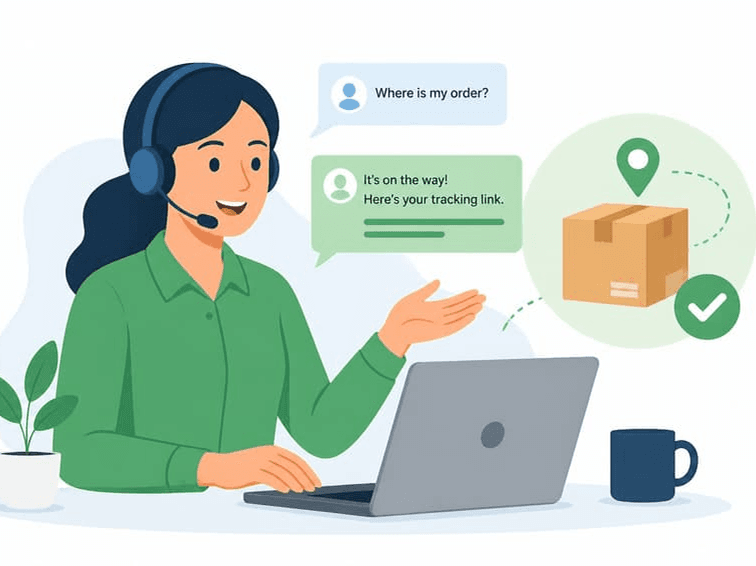
You may find your answer faster in the Help Center.
Before reaching out, we recommend checking the Help Center. Our detailed guides often answer questions faster than waiting for a support response.
Popular Help Center guides:
Choose the channel that best matches your needs.
Get help directly from the RideApack app for active deliveries, account questions, and technical problems.
Contact us by email for general enquiries and non-urgent issues.
Browse detailed articles and FAQs to find answers instantly.
Partnerships, enterprise solutions, media, and other business topics.
If you're having a problem with a delivery, include as much information as possible.
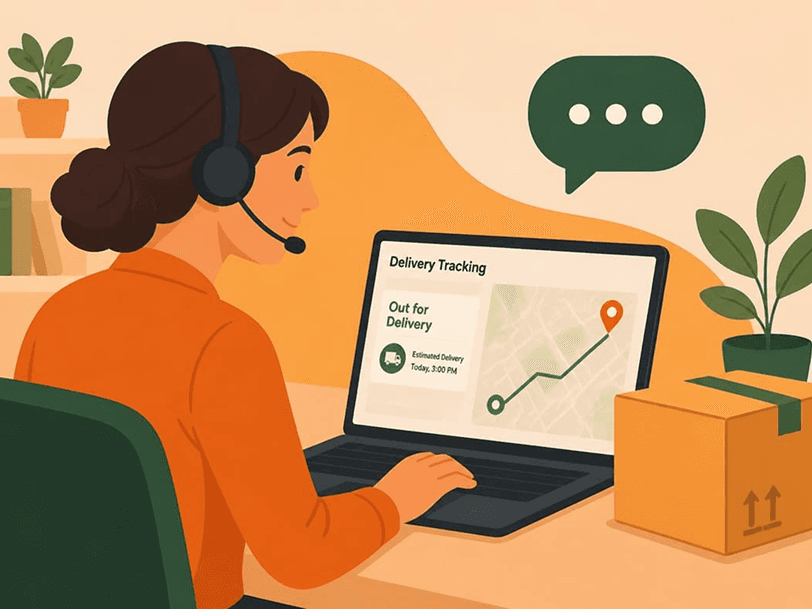
Drivers can contact support for assistance with:
Need help with your RideApack Wallet? Support is available for:
If you're experiencing problems with the app, include details to help our team investigate quickly.
Report safety concerns immediately.
If you need to report a safety concern, contact RideApack as soon as possible. All safety reports are reviewed with priority.
For organizations interested in working with RideApack, contact our business team.
More detail helps us resolve your issue faster.
Responded to as soon as reasonably possible.
Prioritized based on urgency and active status.
Reviewed with the highest priority.
Investigated by the appropriate support team.
Response times are not guaranteed and may vary depending on the volume of requests and nature of the issue.
The fastest way is through In-App Support in the RideApack app. You can also email us for non-urgent matters or use the Help Center for self-service answers.
Use in-app support when you have an active delivery issue, account question, or technical problem that needs prompt attention.
Go to your delivery history in the app, select the relevant delivery, and tap Report Issue. Include as much detail as possible.
Report safety concerns immediately through In-App Support or by contacting us directly. Safety reports are reviewed with priority.
Include your registered contact, the Delivery ID if relevant, the date and time, a description of the issue, and any photos or screenshots.
Drivers can reach support through In-App Support in Driver Mode, or by email. Select the category that matches your issue.
Contact support through the app and include your device model, operating system, app version, screenshots, and a description of the problem.
Yes. Use our Business Contact channel for partnerships, corporate, media, and investment enquiries.
Browse the RideApack Help Center for detailed guides on getting started, deliveries, wallet, safety, and more.
Was this article helpful?
Register and get verified online, then download the RideApack Driver app to access delivery opportunities, manage routes, and use your driver tools wherever the road takes you.

Scan to download the RideApack Driver app