Wallet & Payments
Learn how payments work on RideApack, how the Driver Wallet is used, how platform service charges are deducted, and what to expect when completing deliveries.
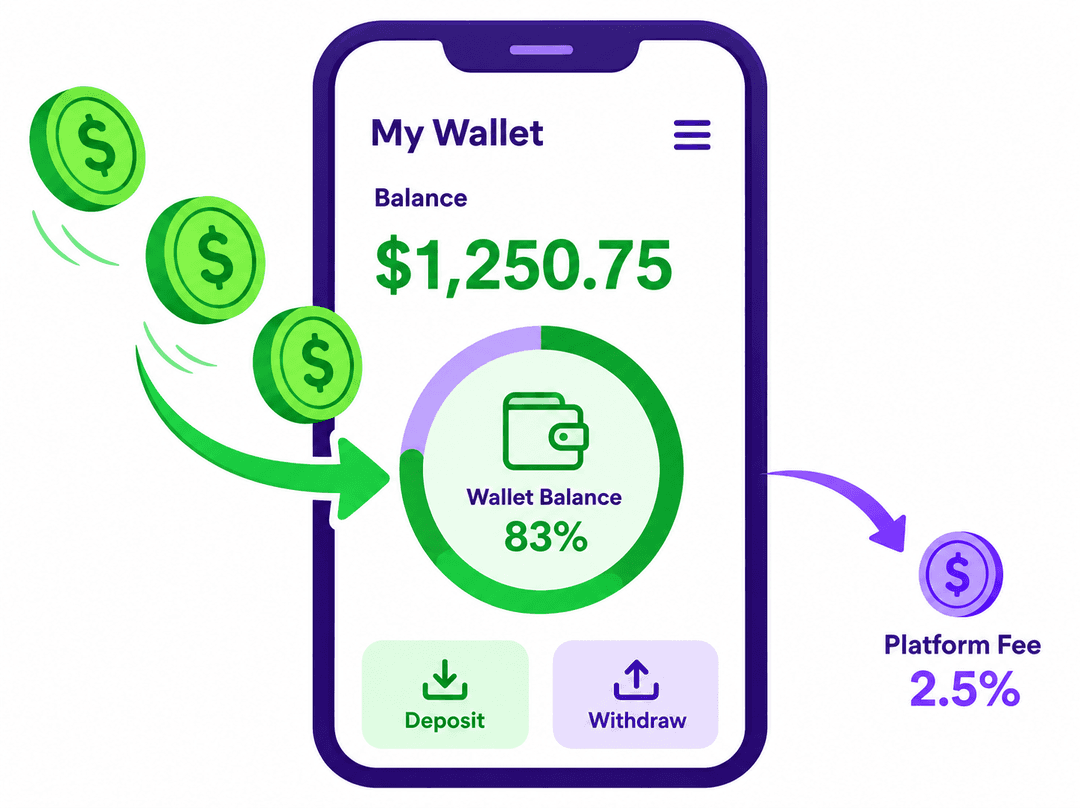
Important: How Payments Work on RideApack
RideApack does not collect, hold, or process the payment for any delivery. Customers pay drivers directly using any agreed method. RideApack only deducts a small platform service charge from the driver's wallet after a successful delivery.
How Payments Work
RideApack connects customers with verified drivers. RideApack does not collect, hold, or process the payment for the delivery itself. The customer and driver agree on the payment amount and method, and payment is made directly between them.
Customer Creates Delivery Request
Customer enters pickup & delivery details and confirms booking.
Driver Accepts Delivery
A nearby driver reviews details and accepts the request.
Customer Pays Driver Directly
Payment is made directly between customer and driver using any agreed method.
Delivery Completed
Driver delivers the package and both parties confirm completion.
Platform Service Charge Deducted
RideApack deducts its service fee from the driver's wallet balance.
RideApack's only financial transaction with drivers is the platform service charge deducted from the wallet after a successful delivery.
Customer Payments
Customers and drivers are free to choose any mutually agreed payment method. RideApack does not recommend one payment method over another and does not process or store these transactions.
RideApack is not responsible for managing, guaranteeing, or settling delivery payments between customers and drivers.
What is the RideApack Wallet?
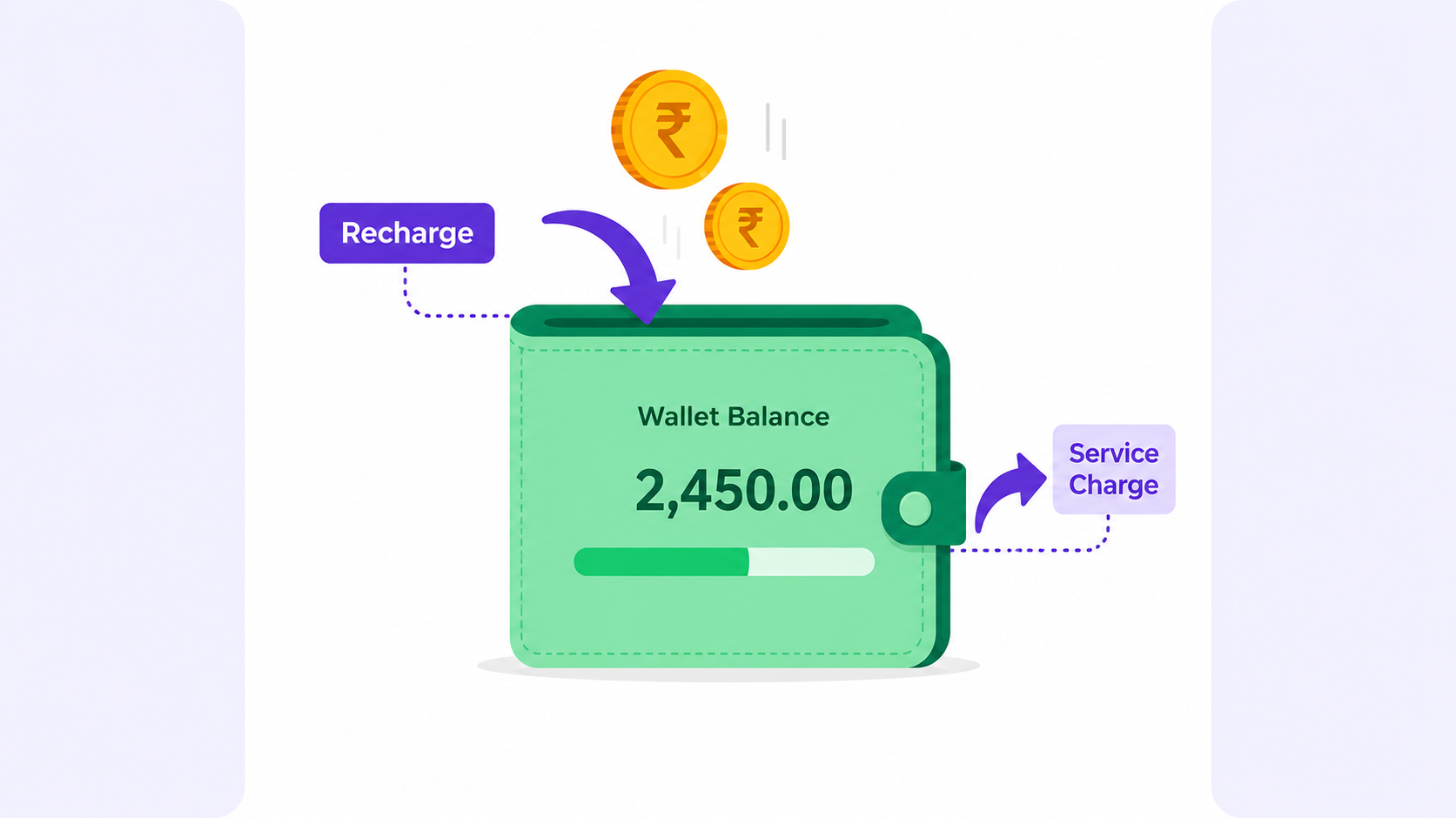
The RideApack Wallet is a prepaid balance maintained by drivers, used exclusively to pay RideApack's platform service charges.
The wallet is used for:
Paying RideApack platform service charges.
The wallet is not:
A bank account.
A customer payment wallet.
A place where delivery earnings are stored.
Recharging Your Wallet
Add funds anytime in 6 simple steps.
Open the Wallet section
Navigate to Wallet in the RideApack app.
Select Add Money
Tap Add Money to begin a recharge.
Enter the recharge amount
Choose or type the amount you want to add.
Choose a payment method
Select from available payment options in the app.
Complete the recharge
Confirm and complete your payment.
Balance updated immediately
Your wallet balance reflects the recharge subject to successful processing.
Platform Service Charges
RideApack charges a small platform service fee for every successfully completed delivery.
The service charge is displayed before the driver accepts a delivery.
The fee is deducted only after successful delivery confirmation.
No service charge is deducted for cancelled deliveries, subject to RideApack's cancellation policy.
Drivers can view all deductions in their Wallet History.
Wallet Balance
$500
Service Charge
$50
Updated Balance
$450
Wallet Balance
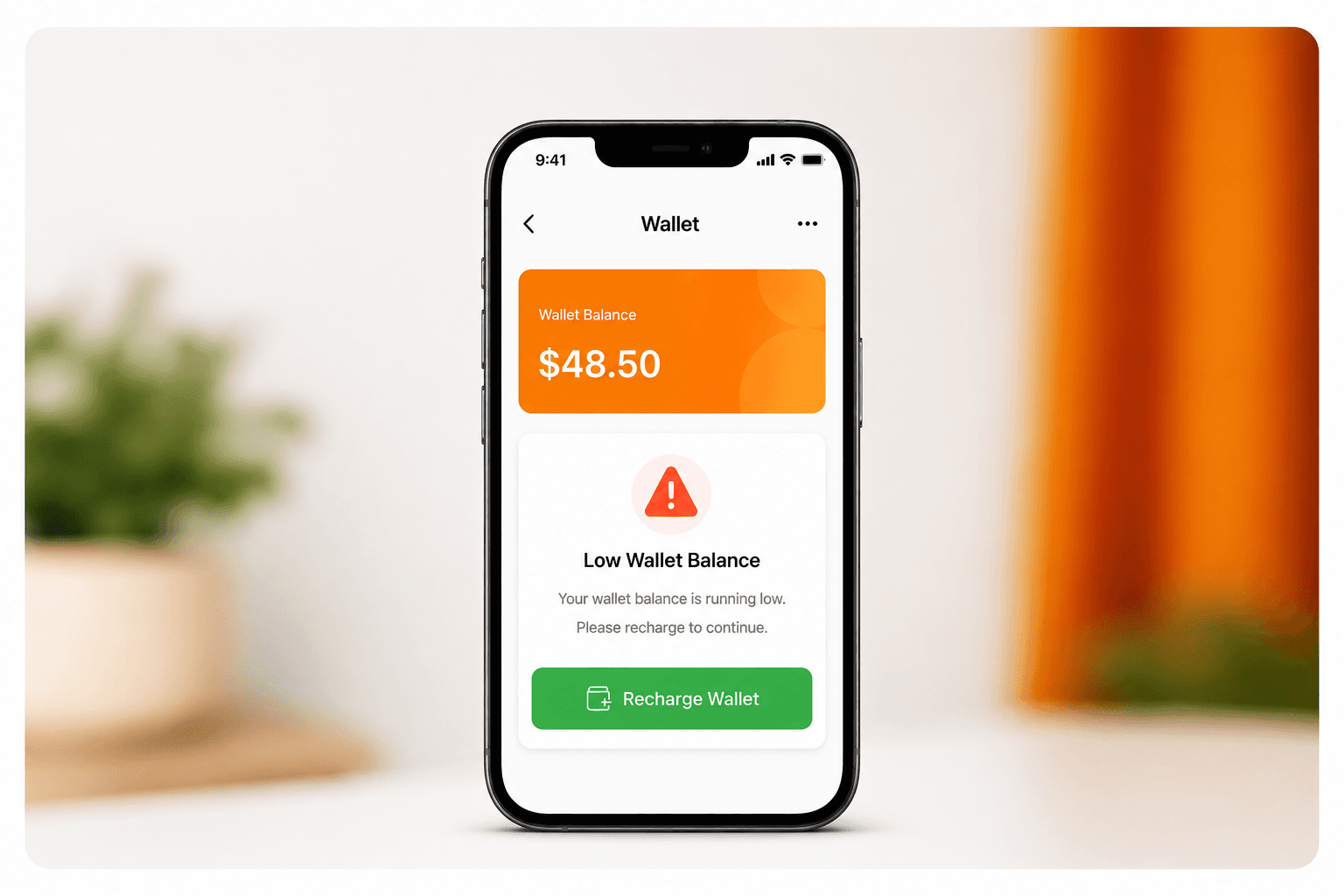
Drivers should maintain a sufficient wallet balance to continue accepting delivery requests.
If balance is too low:
New delivery requests may not be available.
The app will notify the driver.
Drivers can recharge at any time.
Transaction History
View all wallet activity in one place.
Drivers can review all wallet activity including recharges, deductions, refunds, and failed attempts.
Wallet Recharge
Today
+₹200
Successful
Service Charge — Delivery #1042
Today
-₹50
Deducted
Service Charge — Delivery #1039
Yesterday
-₹50
Deducted
Wallet Recharge
Yesterday
+₹100
Successful
Refund Processed
3 days ago
+₹50
Refunded
Refunds
If a wallet recharge fails after payment or an eligible refund is approved under RideApack's policies, the amount will be processed according to the original payment method and applicable timelines.
Refund eligibility depends on the specific situation and the RideApack Refund Policy. Processing times may vary by payment method and region.
Failed Wallet Recharges
Sometimes a wallet recharge may not complete successfully. Here's what to do.
Common Reasons:
Poor internet connection
Payment declined by the bank
Insufficient account balance
Payment gateway interruption
Incorrect payment details
Suggested Actions:
Wait a few minutes and check your wallet balance.
Verify the issue with your payment provider.
Avoid making duplicate payments.
Contact RideApack Support if the issue persists.
Best Practices
Keep Your Wallet Funded
Maintain enough balance to avoid interruptions when accepting requests.
Review Charges
Check wallet activity regularly to monitor deductions.
Recharge Early
Don't wait until your balance reaches zero before recharging.
Monitor Notifications
Pay attention to low-balance alerts in the app.
Frequently Asked Questions
Customers pay drivers directly using any mutually agreed method — cash, UPI, bank transfer, or digital wallet. RideApack does not handle this payment.
No. RideApack does not collect, hold, or process the payment for the delivery itself. Payment is made directly between the customer and driver.
The Driver Wallet is a prepaid balance used exclusively to pay RideApack's platform service charges after successful deliveries.
The wallet allows drivers to maintain a balance for platform service charges, which RideApack deducts after each successful delivery.
Open the Wallet section in the app, tap Add Money, enter the amount, choose a payment method, and complete the recharge.
The service charge is deducted from the driver's wallet after the delivery has been successfully completed and confirmed.
The applicable service charge is shown to the driver before the driver accepts the request. Amounts may vary.
You will be notified if your wallet balance is running low. You can recharge your wallet before accepting additional delivery requests.
The RideApack Wallet is intended for platform service charges and is not a bank account or customer payment wallet.
Check your wallet balance, verify the issue with your payment provider, avoid duplicate payments, and contact RideApack Support if the issue persists.
Go to the Wallet section in the app to view recharges, deductions, refunds, and balance updates.
Refund eligibility depends on the specific situation and RideApack's Refund Policy. Contact support for refund-related questions.
Was this article helpful?
Related Articles
Your Next Delivery
Starts in the App.
Register and get verified online, then download the RideApack Driver app to access delivery opportunities, manage routes, and use your driver tools wherever the road takes you.

Scan to download the RideApack Driver app